If you spend hours staring at screens, you've probably experienced eye strain, dry eyes, and headaches. Digital eye strain (DES) has become more common during the COVID-19 pandemic as children are forced to learn remotely and adults work from home.
Study Lamps Reducing Eye Strain: What's Digital Eye Strain and How Common Is It
Digital eye strain is associated with excessive use of digital devices such as computers, laptops - tablets, e-readers, and smartphones. It's characterized by dry eyes, itching, foreign body sensation - watering, blurring of vision, and headache. The number of reported cases of digital eye strain has increased dramatically since stay-at-home orders began, due to increased screen time as a result of distance learning and working from home.
A variable prevalence of Digital Eye Strain (DES) ranging from 9.5 to 73% has been reported in the pre-COVID-19 era. During the COVID-19 pandemic, the DES prevalence amongst children alone rose to 50-60%.
How Study Lamps Reducing Eye Strain Work
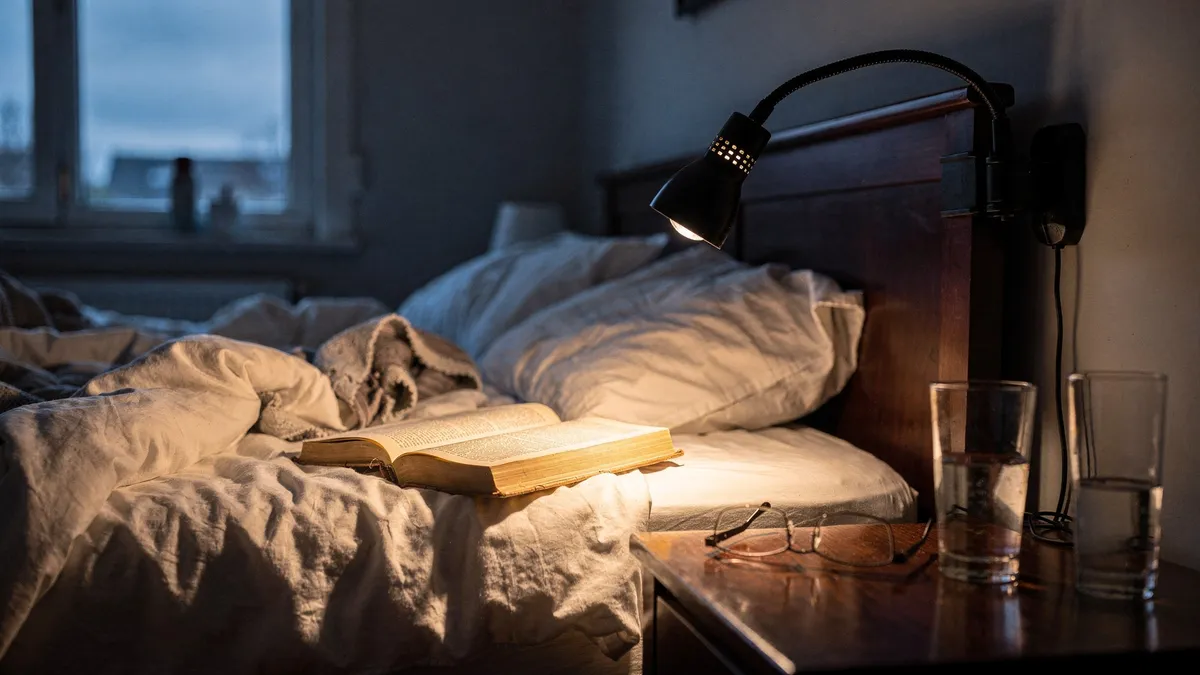
A great desk lamp can reduce eye fatigue and help you better see what you're working on. You may be surprised to learn that poor lighting could be causing some of your eye strain. If your workspace is too dark - consider upgrading your overhead lighting or adding a desk lamp.
The type of lighting you choose matters, too. Look for a full-spectrum bulb, which mimics natural light, and adjust the intensity based on the time of day. One study found that dynamic lighting that changes throughout the day, simulating the sun's pattern - improved sleep, reduced eye strain, and increased productivity.
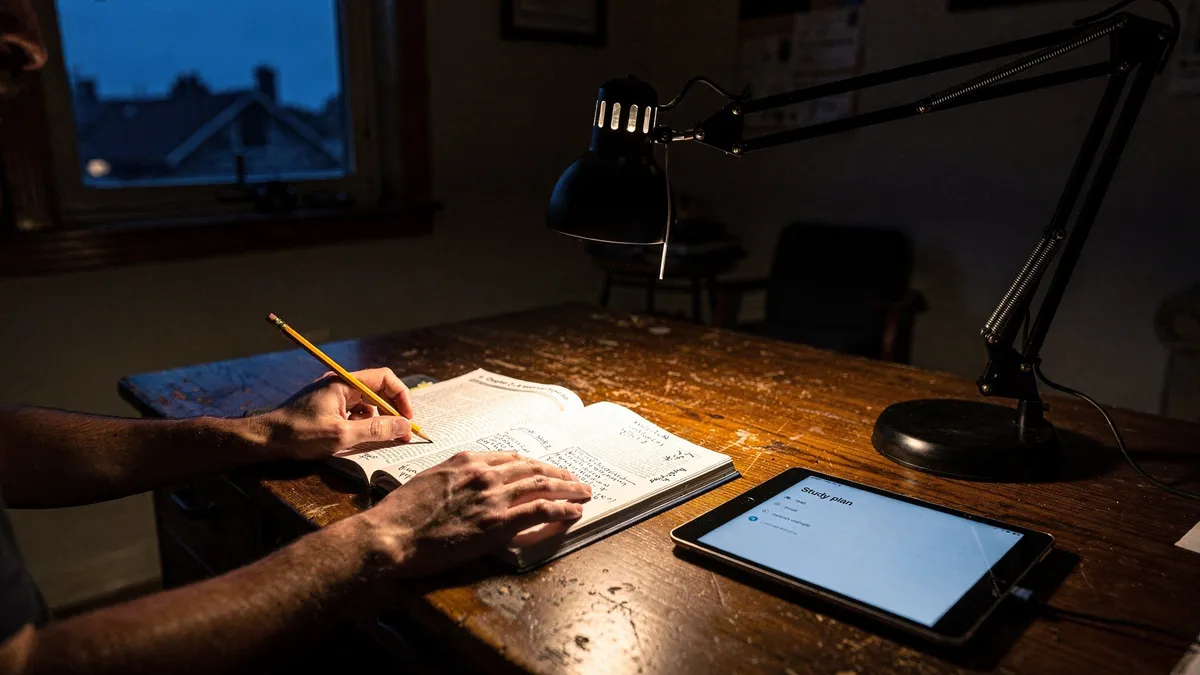
When using a study lamp, make sure the light is directed toward your reading material or computer screen to minimize glare and reflection. Position your screen 20-30 inches away from your face, and make sure your eyes are level with the very top of your monitor. Consider adjusting the text size on your computer or phone - so you're not squinting to see what's on the screen.
Bias Lighting and Ambient Solutions
Bias lighting involves placing a light source behind your monitor to reduce the contrast between the bright screen and the darker surroundings. It can be as simple as shining a small desk lamp onto the wall behind your screen. Bias lighting works because it provides enough ambient light in the viewing area that your pupils don't have to dilate as far, making for less eyestrain.
The Antec soundscience halo 6 LED bias lighting kit is a 14.5-inch strip of LED lighting with around four feet of cable. It retails for $13 and offers a limited lifetime warranty. This lighting kit provides a soft glow that reduces strain without washing out your screen.
The Herman Miller Flute Personal Light is another solution that provides comfortable, controlled light for your page or screen. Its 226-lumen output and 3,500 K color temperature make reading and writing more comfortable and easier. It's designed with a pivoting arm, so you can easily direct the light exactly where you need it. While these tools can help alleviate uncomfortable symptoms associated with reading - paperwork, studying, and computing, they won't cure underlying eye disease. If your eye strain persists, make an appointment to see your eye doctor.
General Tips for Reducing Eye Strain at Home and Work
In addition to using study lamps - there are several things you can do to ease eye strain. Make sure your field of view is brightly lit (but not glary). Consider wearing anti-fatigue shoes to relieve pressure on your legs, back, and eyes. If you wear contact lenses, consider wearing glasses at home.
Contacts can dry out your eyes and exacerbate eye strain. The 20-20-20 rule suggests looking away from your screen every 20 minutes for 20 seconds at a time and focusing on a fixed point 20 feet away. This exercise can help reduce eye strain. Remember to blink to moisten your eyes and prevent dryness and irritation.
Use artificial tears to lubricate your eyes if you continue to experience dryness. Make sure your screen is at eye level to prevent neck strain. Adjust the brightness and contrast of your screen. Generally, your screen should have the same brightness as your surrounding environment.
Many modern monitors and laptops have a blue light filter feature that you can activate to reduce exposure to potentially harmful blue light. Turn this feature on to reduce eye strain. When it comes to color combinations - your eyes prefer black text on a white or slightly yellow background. Consider adjusting the settings on your computer or smartphone to change the color of the text and background.
Adjust the text size on your computer or smartphone so you can easily read it without squinting. Enlarge the text on your favorite websites by hitting control ++ on a PC or command ++ on a Mac. Make sure your prescription glasses or contacts are up to date.
If you haven't had an eye exam in the last year, consider making an appointment with your eye doctor. New glasses may help you see your screen more easily.
References
- lamp can reduce eye fatigue - nytimes.com
- 14.5 - arstechnica.com
- suggests looking away from your - wired.com