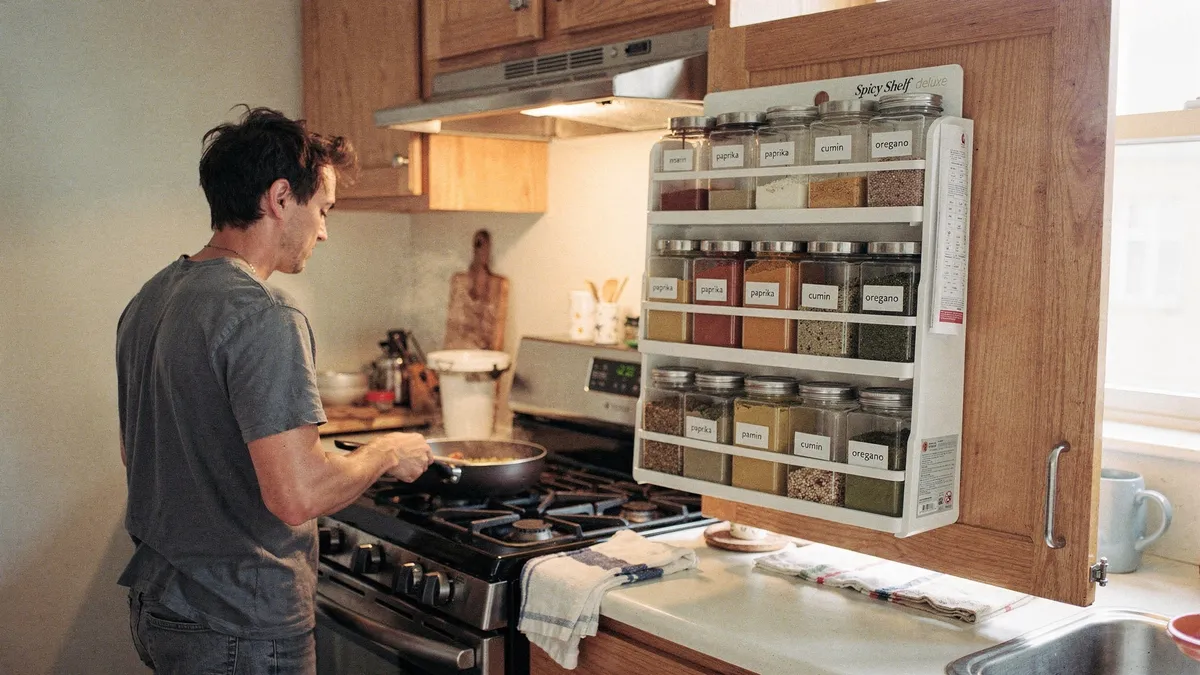
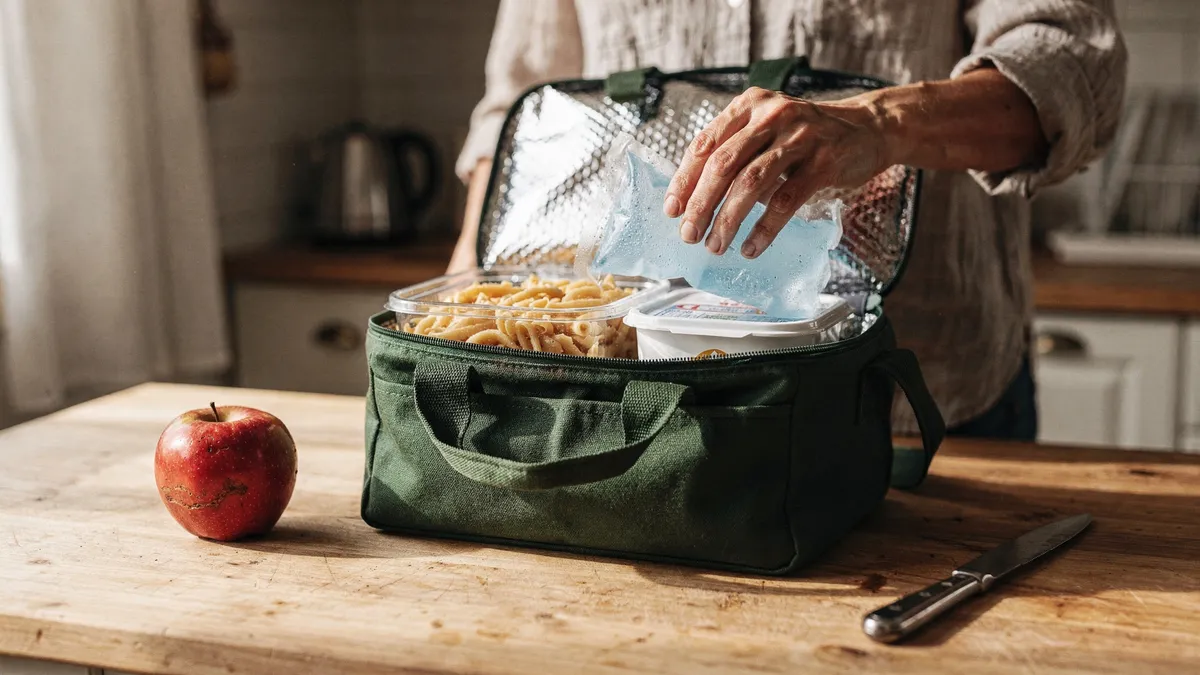
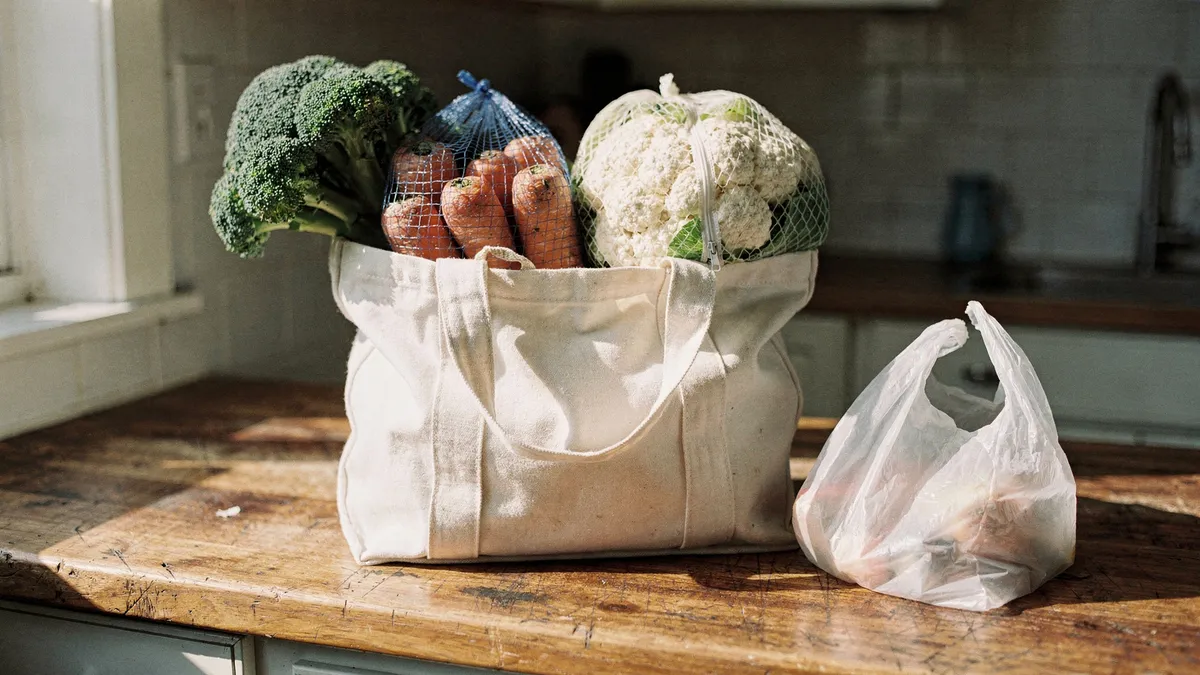
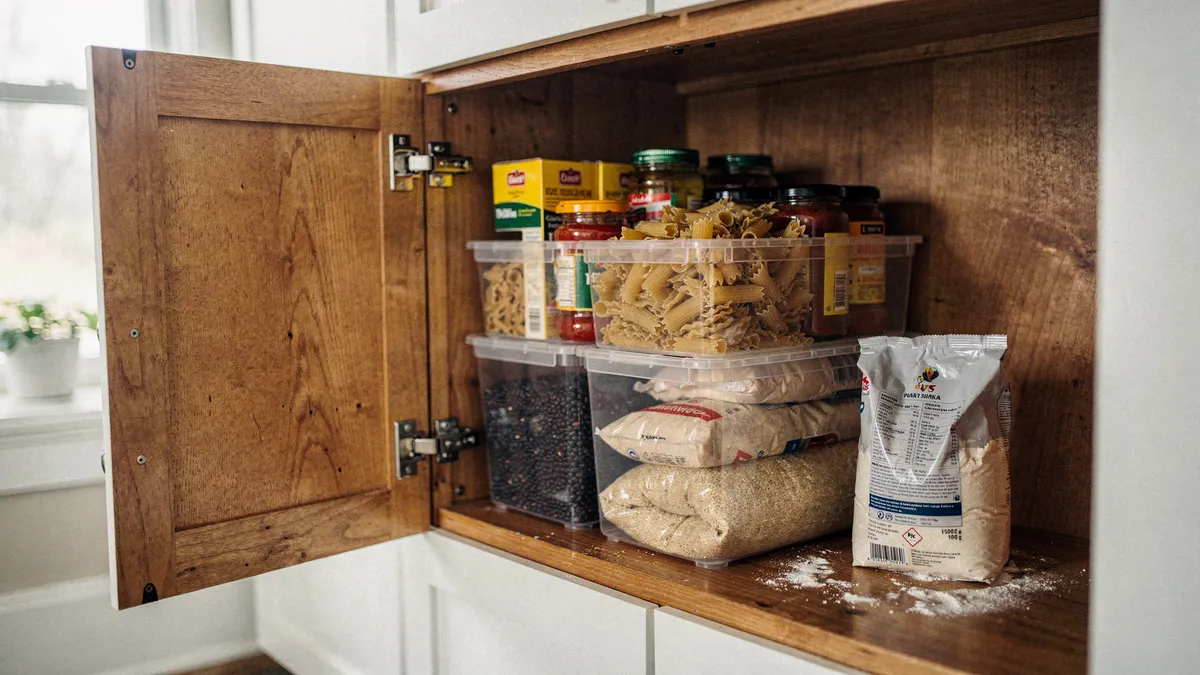
Meal planning has a reputation problem. Say the words and people picture color coded spreadsheets, Sunday afternoons lost to batch cooking, and a fridge full of identical chicken and rice containers. That version exists, and it burns most beginners out within two weeks. The version that actually saves money is much smaller: you decide what dinner will be before you are hungry, and you buy groceries against that decision instead of against a vague sense of what a kitchen should contain.
That is the whole trick. Groceries bought without a plan turn into the sad science experiments at the back of the fridge, and the nights with no answer to "what's for dinner" turn into $60 of delivery. Planning attacks both leaks at once.
A first month that will not burn you out
- Plan four dinners a week, not seven. Life will eat the other three nights anyway: leftovers, a dinner out, cereal for supper. Beginners who plan every meal end up throwing food away, which feels worse than not planning at all. Four is enough to change the grocery bill.
- Build a "greatest hits" list before anything else. Write down eight to twelve meals your household already eats happily. Not aspirational meals. The actual rotation: tacos, that one pasta, sheet pan chicken. Your first month of plans comes entirely from this list. New recipes can join later, one per week at most.
- Check the kitchen before you write the list. Two minutes with the fridge and pantry open. If you own half a bag of spinach and a knob of ginger, one of this week's dinners should use them. This step is where the food waste savings actually happen.
- Write the grocery list from the plan, and shop it once. One trip a week. Every extra "quick stop" for milk is statistically also a stop for snacks and impulse items. If a mid-week gap appears, improvise from the pantry instead of returning to the store.
- Cook once, eat twice. Doubling a recipe costs you five extra minutes on Monday and buys back a full evening on Wednesday. This is the gentlest possible entry into batch cooking, and for a lot of households it is all the batch cooking they ever need.
Run that loop for four weeks before adding any complexity. Most people find the planning session itself takes about fifteen minutes once the greatest hits list exists.
Where the money actually goes
It is worth being honest about which parts of this save money, because not all of them do. The savings come from three places: fewer delivery and takeout nights, less spoiled food in the trash, and cheaper proteins used deliberately. That last one deserves a sentence. Dishes built around beans, lentils, eggs, thighs instead of breasts, or a whole chicken instead of parts routinely cost half of what their convenience equivalents do, and a plan is what lets you use them, since dried beans need you to have decided on chili the night before.
What does not reliably save money is bulk buying, at least early on. A warehouse flat of chicken is only cheap if all of it gets eaten. Until your plan has survived a month of real life, buy normal quantities.
If you want recipes engineered around cost, the site Budget Bytes has published per-serving cost breakdowns alongside its recipes for years. The prices shown on older recipes lag today's grocery prices, so treat the dollar figures as relative rather than literal, but the recipes themselves are beginner friendly and genuinely inexpensive to cook.
Do you need an app for this?
No. A magnet pad on the fridge does the core job, and for the first month it is arguably better, because it keeps you focused on habit instead of setup. Apps earn their place once the habit exists and the friction moves to recipe wrangling and list building. Three are worth knowing about, and they solve different problems.
Paprika: for recipe hoarders
Paprika is a recipe manager first and a planner second. Its best feature is a built-in browser that clips recipes from nearly any website into a clean, ad-free format, and its grocery list automatically combines ingredients across the week's recipes. It is a one-time purchase rather than a subscription, about $5 on phones and about $30 for the desktop version as of mid-2026. The limitation is that it plans nothing for you; it is a filing cabinet with a calendar, so people who want an app to decide dinner will find it inert.
Mealime: for people who want dinner decided for them
Mealime is the opposite. You set your dietary preferences and household size, pick from suggested recipes designed to take about half an hour, and it generates the consolidated grocery list. The free tier is fully usable, with a premium tier around $3 a month as of mid-2026. Its limitation is the flip side of its convenience: you cook from Mealime's catalog, and importing your own family recipes is not really what it is for.
Plan to Eat: for families who already have recipes
Plan to Eat sits between the two, with recipe importing, a drag and drop weekly calendar, and shared lists that work well when two adults split the shopping. It is subscription only, about $6 a month or $49 a year as of mid-2026, with a free trial. Paying monthly for something Paprika mostly does for a flat $5 is the honest knock against it; the calendar and family sharing are what you are paying for.
The mistakes that end meal planning careers
- Planning ambitious food. A weeknight plan full of new, forty minute recipes is a plan to order pizza. Weeknights get the greatest hits; weekends get the experiments.
- Ignoring the calendar. Tuesday has soccer practice. Tuesday's dinner must be a fifteen minute meal or a slow cooker meal, or Tuesday will beat you every week.
- Treating the plan as a contract. If Thursday's fish becomes Friday's fish because everyone wanted breakfast for dinner, the plan still worked. The goal was never obedience; it was owning ingredients you will actually use.
- Quitting after a bad week. Everyone has a week where the plan collapses by Wednesday. The measure of success is the monthly grocery and takeout total, and that number is remarkably forgiving of individual chaotic weeks.
Give the four-dinner loop one month, with a pad of paper or with an app, and compare the credit card statement to the month before. For most households the difference is visible on the first statement, and it comes from the least glamorous line item there is: dinners that already had an answer.